Living documents for people and agents
Write with your team and your agents on the same page, at the same time. Tables, drawings, diagrams and comments, kept on your device first and synced when you sign in.
In your browseriOS and Android in testingNo account needed

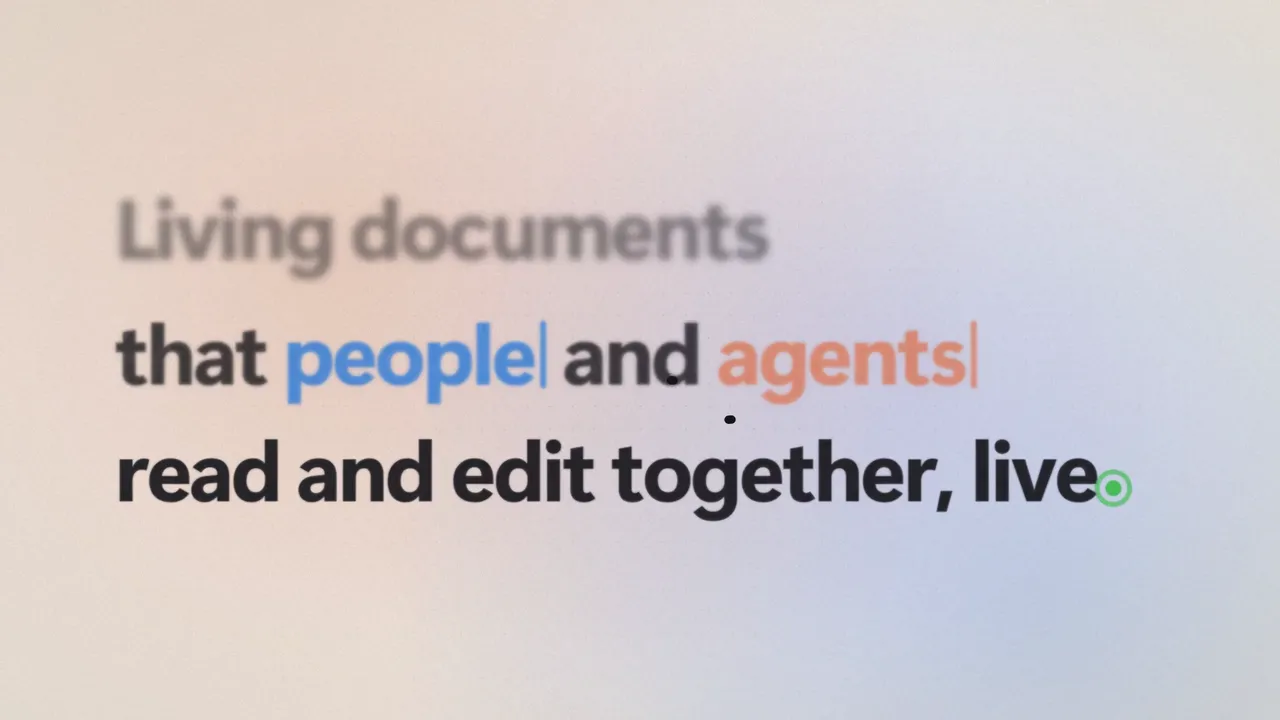
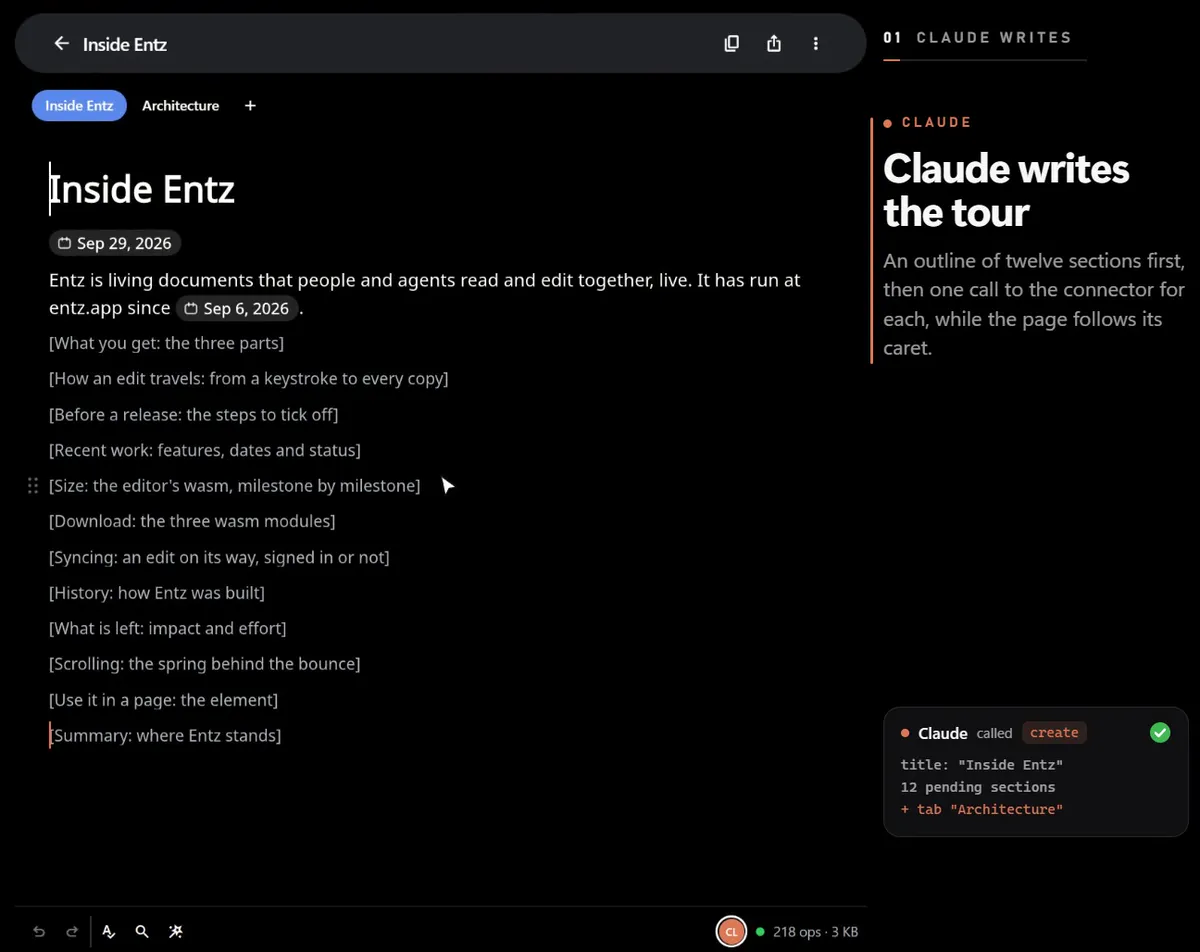
01An agent writesAn outline first · A section a call · The page follows
Read about itAgents and MCP
Agents write beside you.
Connect any agent that speaks MCP, whether Claude, Codex or the one in your editor, and it works in your documents the way a person does: it reads, writes and answers comments while you watch it happen.
In a terminal:
claude mcp add entz -- npx -y entz-mcpThen /mcp in Claude Code lists entz.
In a terminal:
codex mcp add entz --env ENTZ_AGENT_NAME=Codex -- npx -y entz-mcpThen codex mcp list shows entz.
In ~/.cursor/mcp.json, under "mcpServers":
"entz": {
  "command": "npx",
  "args": ["-y", "entz-mcp"],
  "env": { "ENTZ_AGENT_NAME": "Cursor" }
}
In .vscode/mcp.json, under "servers":
"entz": {
  "type": "stdio",
  "command": "npx",
  "args": ["-y", "entz-mcp"],
  "env": { "ENTZ_AGENT_NAME": "Copilot" }
}
In the client's MCP settings, under its servers:
"entz": {
  "command": "npx",
  "args": ["-y", "entz-mcp"],
  "env": { "ENTZ_AGENT_NAME": "Your agent" }
}
More clients, and what you can set
- 1
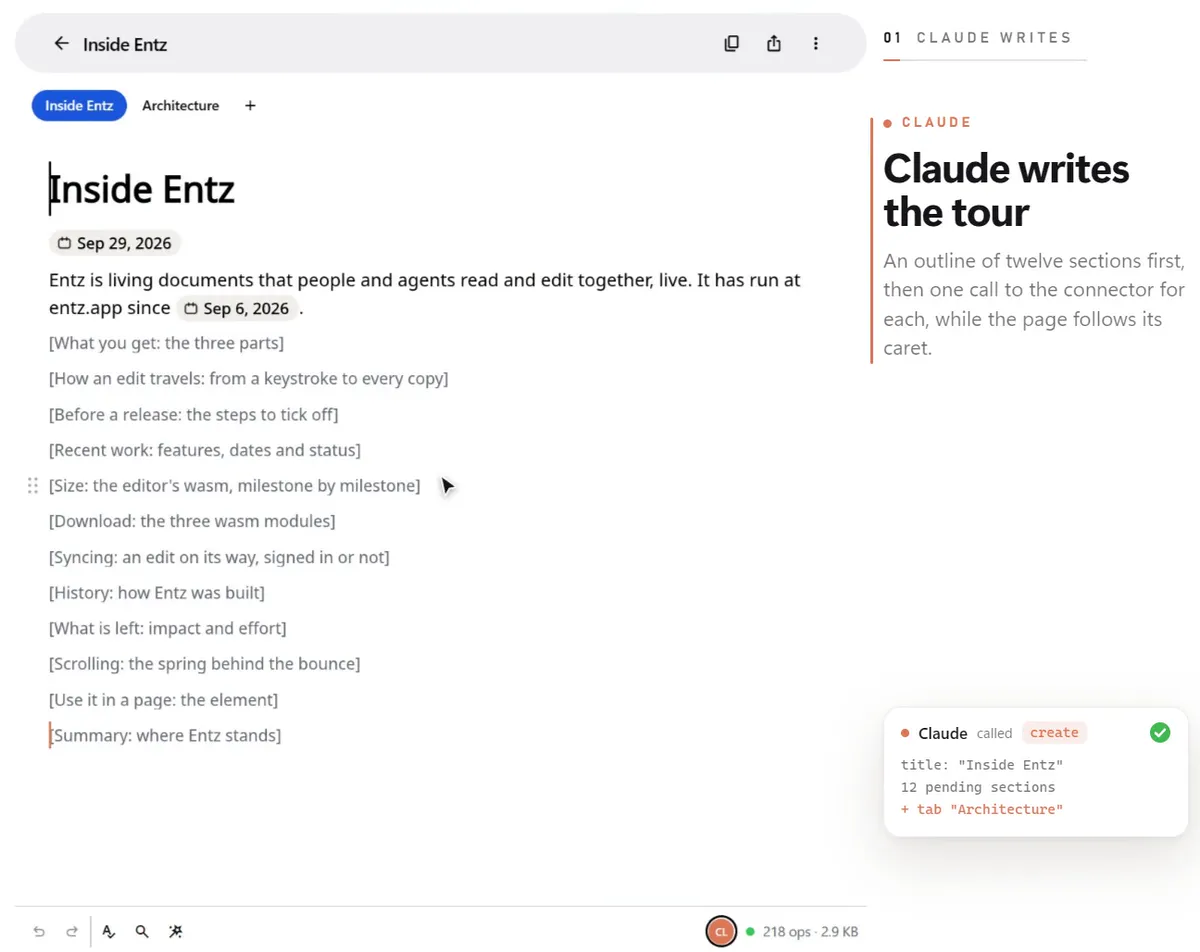
An outline first
Ask for a document and your agent creates it as a skeleton of sections still to write, then opens it in your browser.
- 2
A section at a time
Each section fills in while you watch: its words fade in and its caret walks along with them.
- 3
Your words win
Keep writing anywhere in the page. The agent never writes over what you changed since it last read.
Things to ask
More prompts“Draft a launch plan in Entz, one section per team, with an owner for each.”
createupdate“Here is my roadmap: entz.app/doc/… Comment wherever the dates don’t add up.”
readcomments“Split that document into tabs, one for each chapter.”
tabsupdate“Turn the notes at the end into a table with an owner and a due date.”
readupdate
Together
Everyone on the same page.
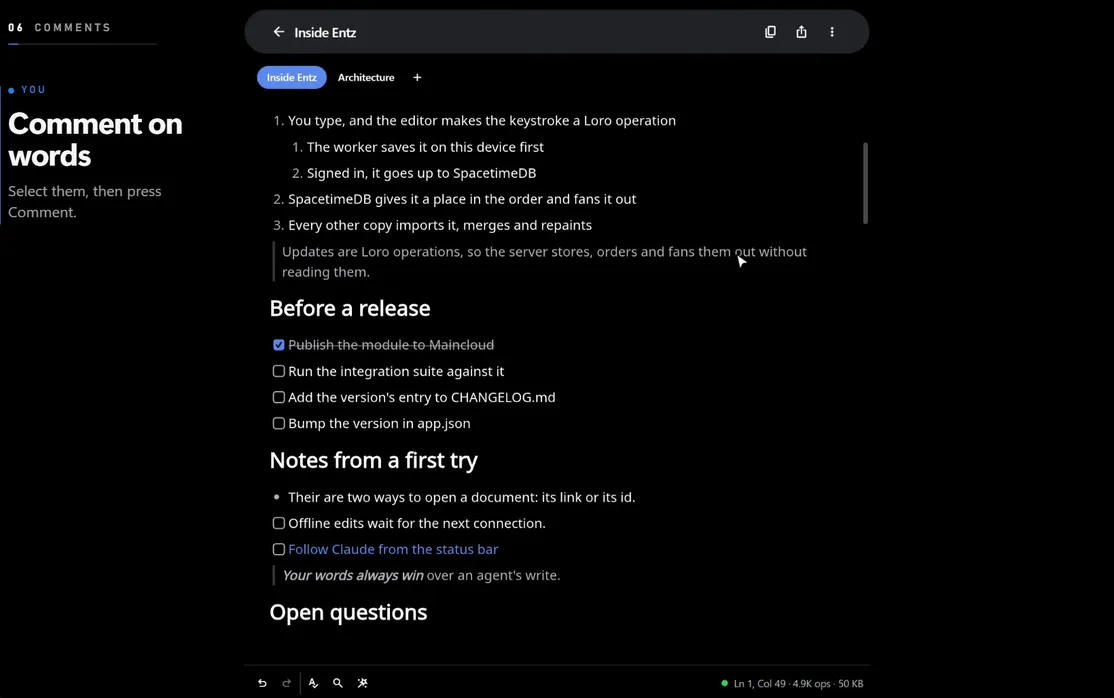
Share a link and people join the document with the role it gives them. Everyone’s caret shows where they are, comments sit beside the words they are about, and agents answer in the same threads.
Links with a role
Anyone with the link can view, comment or edit: the owner chooses which.
Comments beside the text
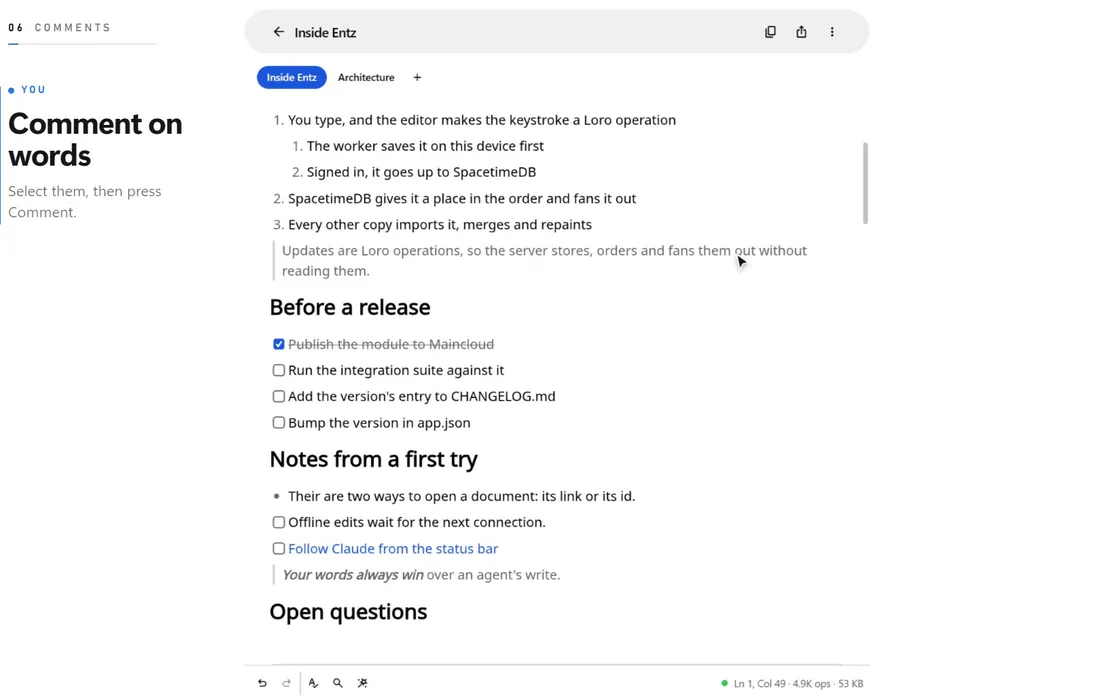
Select words to comment on them. Threads take replies, resolve, and follow the words as they change.
Presence and following
See who is here and where their caret is. Follow anyone, agents included, even onto another tab.
Tabs
One document, several pages, with a dot by every tab someone is working on.
The editor
Everything a page can hold.
One editor on the web and on the phones, drawn on the GPU, with the blocks a real document needs. Type Markdown and it formats as you go.
- Text and listsMarkdown as you type, or / for any block
- TablesChips, sorting, colour, resizing
- DrawingsPen, shapes, ink and text
- ImagesPasted into the page
- DiagramsMermaid, drawn in the page
- MathTeX formulas
- CodeSyntax colours by language
- TabsOne document, several pages
- FindEvery match, one after the next
- GrammarChecked on your device
- HistoryEvery version kept
- ExportMarkdown, HTML, Typst and .ent
Local first
Yours before it is anyone else’s.
Every document lives on your device first. Signing in adds sync and sharing, and your device keeps its copy.
Kept on your device
Every document is kept on this device and saved a moment after you stop typing, so it opens without a connection.
Syncs when you sign in
Signed in, your documents follow you to your other devices and to the people you share them with, live.
Your model, your key
The assistant calls the model you choose straight from your device, with your own key. Nothing sits in between.
Checked where you type
The grammar check runs on your device, so your words are never sent anywhere to be checked.