Grammar
Check your spelling and grammar as you write, and fix a mistake with one press. The check runs on your device, so nothing you write is sent anywhere for it.
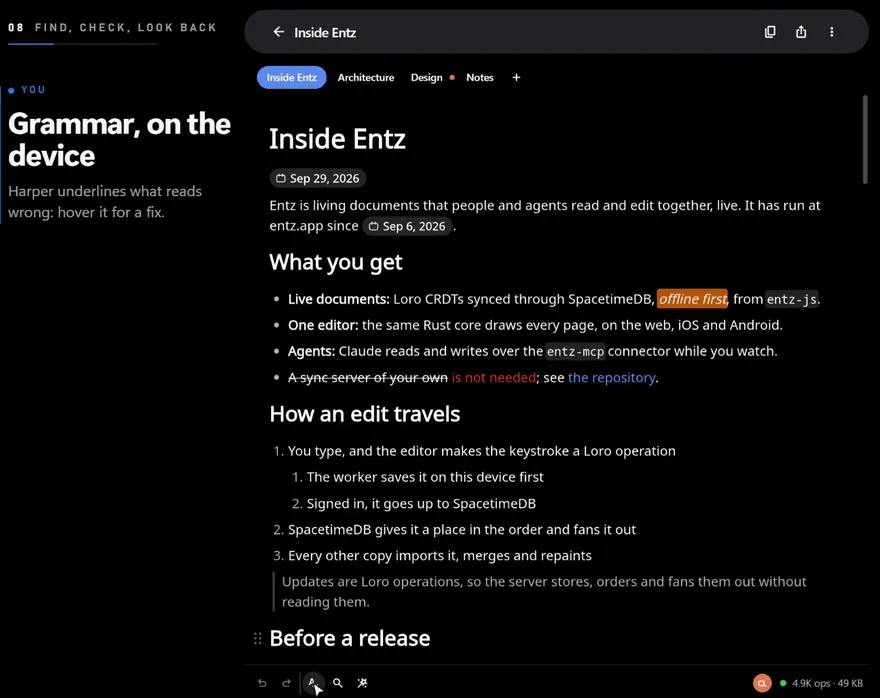
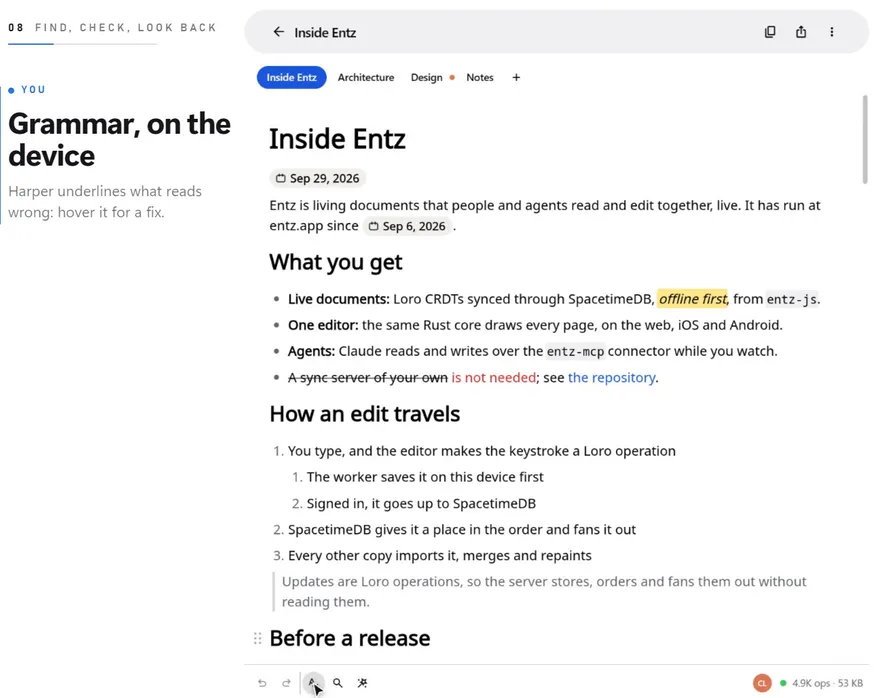
Entz checks your English with Harper, an open-source grammar checker built into the app, and underlines what it finds while you type.
Turn it on
Section titled “Turn it on”Press the spell-check button (Check grammar) in the status bar under the document, between redo and the magnifying glass. It stays filled while the check is on; press it again (Stop checking grammar) to turn the check off. The check is off each time Entz starts.
The first time you turn it on, the check takes a moment to load. On the web it downloads the checker, a few megabytes, and the button fills once it is ready. On a phone the checker comes with the app and only has to start.
While the check is on, the right of the status bar counts what it found, such as “1 issue” or “12 issues”. The part of the document on screen is checked first, so in a long document the count climbs for a moment while the rest is checked.
Fix what it finds
Section titled “Fix what it finds”Each problem gets a wavy underline, in a colour that depends on its kind. Rest the pointer on the underlined words, or tap them on a touch screen, and a popover shows:
- the kind of problem as its title, such as Spelling or Word choice;
- a sentence saying what is wrong;
- a button for each suggestion, or Remove where the fix is to delete the words;
- Ignore.
Press a suggestion to put it in place of the words, with the caret after it. The popover stays while the pointer is on it, and goes when the pointer leaves both the popover and the words; on a touch screen, a tap elsewhere closes it.
Ignore tells the check to pass over those words from now on, in every document on this device, whatever their case. It cannot ignore one place only. Settings lists the words you ignored and clears them (below).
What it checks
Section titled “What it checks”- Where. Paragraphs, headings, list items, quotes and table cells, each block on its own. After an edit, only the block you changed is checked again.
- Left alone. Code blocks, diagrams and formulas, inline code, inline formulas, and date and dropdown chips.
- The word you are typing. Its underline waits until the caret leaves it.
- One problem per word. When two rules flag the same words, only the more important one shows.
The check knows English only, and spells by the dialect chosen in Settings. The title of a popover names one of these kinds:
| Kind | What it flags |
|---|---|
| Agreement | Words that should agree and do not, such as a pronoun and its verb |
| Capitalization | A capital letter missing or out of place |
| Eggcorn | A similar-sounding phrase that makes a sense of its own, such as “on mass” for “en masse” |
| Enhancement | Not a mistake: a change that makes the text clearer or stronger |
| Formatting | Spacing and symbols, such as a missing space, dashes or an ellipsis |
| Grammar | A sentence put together wrongly |
| Malapropism | A similar-sounding word with another meaning, such as “eluded to” for “alluded to” |
| Miscellaneous | Anything that fits no other kind |
| Nonstandard | A set phrase in a form that is not the standard one |
| Punctuation | Punctuation, hyphens included, such as “face-first” before a noun |
| Readability | Text that is hard to read, such as a very long sentence |
| Redundancy | Words that say something already said, such as “free gift” |
| Regionalism | A form that is standard in some regions and not in others |
| Repetition | A word repeated, such as “the the” |
| Spelling | A word that is not in the dictionary |
| Style | Several forms are right and one reads better, such as “minimum” for “min” |
| Typo | A slip of the fingers, such as “teh” for “the” or “seem” for “seen” |
| Usage | The usual way of saying something, such as “by accident” rather than “on accident” |
| Word boundary | Words joined or split in the wrong place, such as “each and everyone” |
| Word choice | A better word or phrase for the context |
| Word order | Words in an unnatural order, such as “no longer I” |
Settings
Section titled “Settings”The check has two settings under Grammar in Settings. Both are kept on this device.
| Setting | What it does | Default |
|---|---|---|
| Dialect | The English the check spells by: American English, British English, Canadian English or Australian English. Changing it checks the document again. | American English |
| Ignored words | The words you ignored from a popover. Press the row (Clear the ignored word, or Clear the 3 ignored words) to clear the whole list; it reads No ignored words when there are none. | None |