Import and export
Bring Markdown, HTML, Typst, plain text and Entz files in as documents, take a document out as Markdown, HTML, Typst or an Entz file, and know what each format keeps.
Files come in as new documents, and a document goes out as a file or onto the clipboard. Entz’s own format, .ent, holds a document exactly as it is; the others keep what they can express, which the table at the end of this page sets out.
Bring files in
Section titled “Bring files in”- New… > Import files… in the library opens the system’s file picker, where you can choose several files at once.
- On the web, drop files anywhere on the library page.
- Paste text into a document (Pasting).
Each file becomes a new document named after the file. One file opens at once; several stay in the library, and a notice says how many came in (The library). The file’s extension says how it is read:
| Extension | Read as |
|---|---|
.md, .markdown, .mdown |
Markdown |
.html, .htm |
HTML |
.typ, .typst |
Typst |
.ent |
An Entz document |
.txt, .text, and any other |
Plain text |
A .json file is never taken for an Entz document: it comes in as plain text.
What each format brings:
- Markdown, as GitHub writes it: headings, lists and task lists, quotes, code blocks (a
mermaidorlatexblock draws its diagram or formula), tables, images, dividers,$$formulas, links, bold, italic, strikethrough, inline code, and front matter. - HTML: headings, paragraphs, lists with their checkboxes, quotes, code, tables, images, links, and formatting down to underline, highlights and text colours. Scripts, styles and forms are dropped, and nothing in the file runs.
- Typst: its markup and its common functions. Anything Entz has no block for, such as
#letor#set, is kept as a Typst code block, so the file exports back unchanged. - Plain text: a paragraph at each blank line, with single line breaks kept.
.ent: the document exactly as it was exported, drawings, chips and colours included.
The conversion happens when you first open the new document. Until then its card shows an outline of a Markdown file, or the first lines of any other.
Pasting
Section titled “Pasting”- Text copied from an Entz document keeps everything: blocks, formatting, chips.
- Text that reads as Markdown, such as a heading, a list, a table, a fenced block or
**bold**words, comes in formatted. - Other text comes in plain: formatted text copied from another app arrives as its words alone. An
.htmlfile keeps its formatting, so import the file instead.
Pasting images is covered in Images and drawings: the web pastes them, the phones cannot yet.
Take a document out
Section titled “Take a document out”An open document’s header has two buttons for it:
- Copy as Markdown (two overlapping pages) puts the document on the clipboard as Markdown.
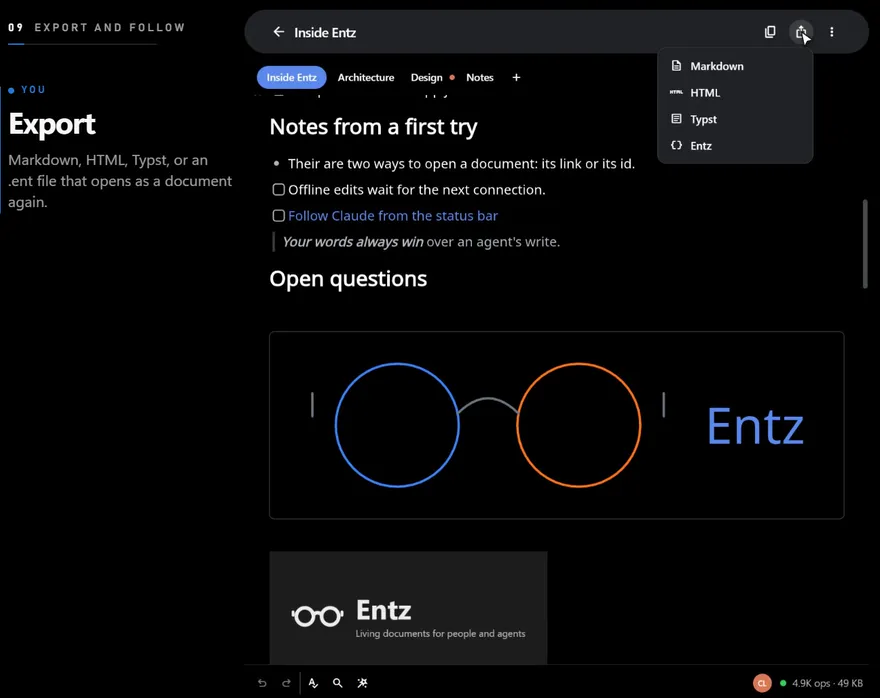
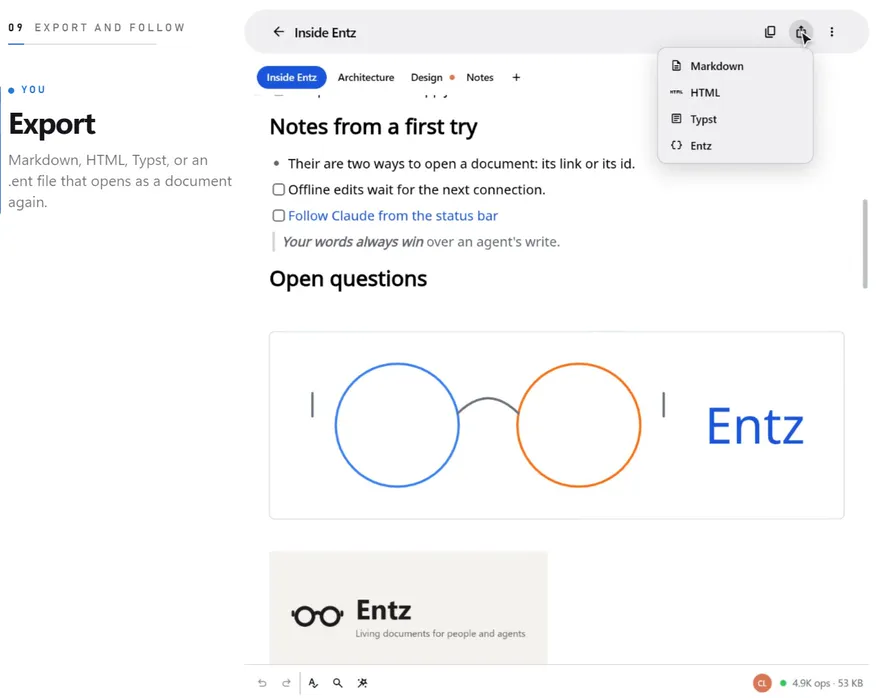
- Export (the share icon) opens a menu of Markdown, HTML, Typst and Entz, and saves the document as a file named after its title, ending in
.md,.html,.typor.ent.
Where the file goes:
- Web: the browser downloads it.
- iPhone: into Entz’s folder in the Files app, under On My iPhone, and Files opens on it.
- Android: into Entz’s own storage, and Android opens it in an app that can show it (as plain text when no app claims the format).
On a phone, exporting the same document in the same format again replaces the earlier file.
An export holds the tab you are looking at (Tabs). No export holds the comments (Comments) or the version history (History): they live beside the document.
What each format keeps
Section titled “What each format keeps”| Markdown | HTML | Typst | Entz (.ent) |
|
|---|---|---|---|---|
| Headings, paragraphs, lists, quotes, code, dividers, links | Yes | Yes | Yes | Yes |
| Task lists | Yes | Yes, with checkboxes | As ☐ and ☑ items |
Yes |
| Bold, italic, strikethrough, inline code | Yes | Yes | Yes | Yes |
| Underline, highlight, text colour | No | Yes | Yes | Yes |
| Tables | Yes, without cell colours | Yes, with cell colours | As a plain grid | Yes |
| Dates and dropdowns | As their words | As labels (a date as 2026-10-06) |
As their words | Yes |
| Images | Yes, by their address | Yes | As #image calls |
Yes |
| Drawings | Left out | As pictures | Left out | Yes |
| Diagrams and formulas | As their source | As their source | As their source | Yes |
A few things to know:
- The HTML file is a page of its own, styled to read well in a browser, light or dark with the reader’s system. A diagram or formula in it shows its source text, not the picture.
- Images travel as they are kept. An image stored inside the document, such as a small one you added, is written into the file; one stored elsewhere, such as a large image on the server, is a link to it.
- A dropdown that nobody has picked from yet exports as nothing in Markdown.
- In a Typst file a formula keeps its LaTeX source, which Typst’s own math syntax does not always read the same way.
- A document exported as Entz and imported again is the same document: every block, mark, chip, colour, drawing and image. The import makes a new document of it, with none of the original’s comments, history or people.