Comments
Start a thread on a few words, reply, edit, resolve it once it is settled, and choose who may comment without letting them edit.
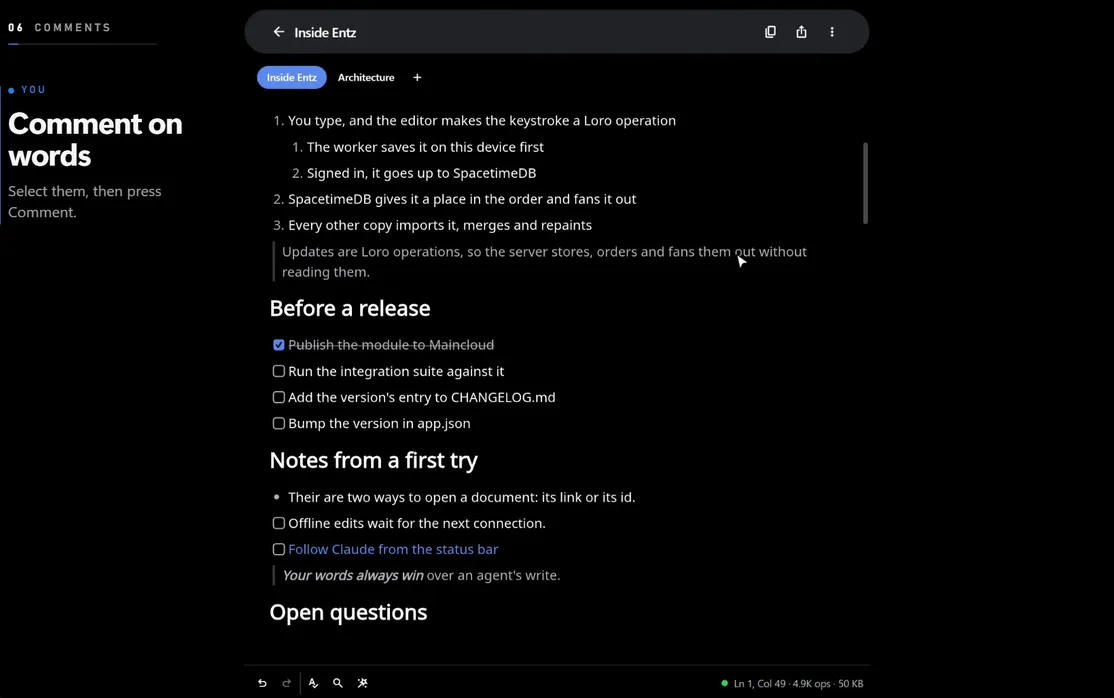
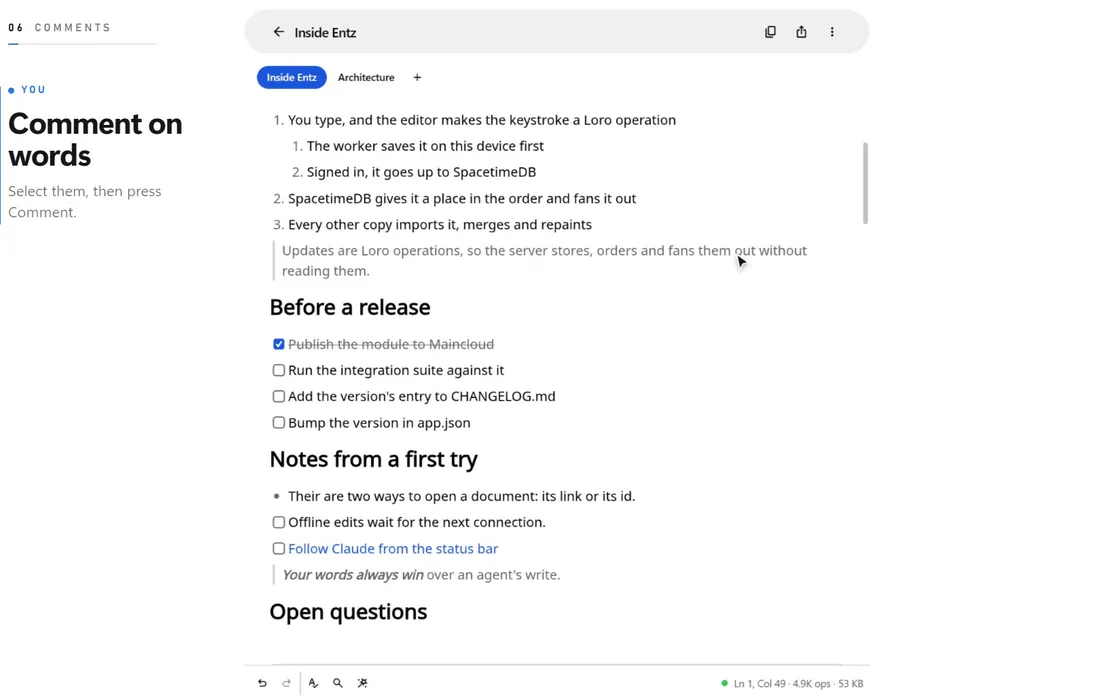
A comment starts a thread on some words of a document: the first comment, then the replies under it. Comments sit beside the document rather than in it. They never change its text, its history or anyone’s undo, and they are not part of an export or a copy.
Comments need the document open online: signed in and connected (Offline and sync). Offline, the comments sheet says Comments need a connection. and you cannot add, reply or resolve.
Add a comment
Section titled “Add a comment”- Select the words the comment is about.
- On the web, press Comment (the speech bubble) in the menu that appears over the selection. On a phone, choose Comment under Format in the system’s selection menu (a commenter finds Comment in that menu directly).
- The comments sheet opens on New comment, quoting the words you selected. Type into Add a comment… and press the round Send button, or
Enter.
The sheet then shows your new thread. Anyone with the document open sees it, and every reply, as soon as it is written.
Commented words
Section titled “Commented words”The words of an open thread are underlined in yellow, and the thread the caret is in more thickly. Put the caret in them and a small button appears above the line, 1 comment (or how many threads are there): press it to open the thread. Over a selection on the web, the Comment button is filled when the selection is in commented words.
A resolved thread loses its underline, though the caret in its words still shows the button.
The comments sheet
Section titled “The comments sheet”Choose Comments… from the three-dot Document menu in the document’s header. Open and Resolved at the top switch between the open and the resolved threads, each with its count. Every thread is a card with who started it and when, the words it is on, highlighted in yellow, the first comment, how many replies it has, and At the caret when the caret is in its words. Press a card to open the thread.
In a thread:
- Reply at the bottom takes your answer; press Send or
Enter. - The pencil beside your own comment edits it. The field says Editing your comment; press Save, or Cancel to keep it as it was. An edited comment says edited after its time.
- The bin beside a comment deletes it, and asks once more in place: Delete or Keep. You can delete your own comments, and the owner can delete anyone’s. Deleting a thread’s first comment deletes the whole thread.
- The thread’s menu (three dots, top right) has Resolve or Reopen, Go to the words, and Delete thread. Go to the words, or a press on the quoted words, closes the sheet and selects them in the document.
- The back arrow returns to the list.
Who can comment
Section titled “Who can comment”| Role | Comments |
|---|---|
| Owner | Adds, replies, resolves and reopens; edits their own; deletes anyone’s |
| Writer (Can edit) | Adds, replies, resolves and reopens; edits and deletes their own |
| Commenter (Can comment) | Adds, replies, resolves and reopens; edits and deletes their own |
| Reader (Can view) | Reads them: the sheet says You can read the comments here, not add to them. |
A commenter takes part in the discussion without editing: the document takes no typing from them, and the status bar says Comment only. Give someone that role in Access…, or set the link to Comment so everyone who opens it joins as a commenter (Sharing and access).
A comment is signed with your display name as it was when you wrote it (Settings). Changing the name later leaves your earlier comments as they were.
When the text changes
Section titled “When the text changes”A thread holds on to its words while the document changes around them. Words typed inside the commented text join the thread; words typed at either end stay outside it. Several threads can share words.
When every word of a thread is deleted, the thread stays in the sheet and says The words it was on were deleted. Undoing the deletion brings the words back with the thread on them.
A comment holds up to 4,096 bytes of text (about 4,000 characters of English), a thread up to 100 comments, and a document up to 1,000 threads, resolved ones included.
Agents and comments
Section titled “Agents and comments”An agent connected over MCP reads the threads and adds, replies to, resolves and reopens them as a person does, and is told to treat what people wrote there as their words rather than instructions: see Working beside people.